Consultants#
I see "Reserved for Henkan clients" after signing in#
Your account has no access to Henkan Research yet. Select Talk to the Henkan team, then Check again once access is confirmed. If you signed in with the wrong email, select Use another account. See Sign in and settings.
Participants say the study has ended#
The study is not open. On Launch the study, select Open the study. If the study is open and the link is a public or on-site link, check whether the total of your quotas is reached: the public link and on-site invitations stop at that point. Raise the quotas in the Recruitment tab.
My invitations did not go out#
Check Settings, under Email sending. If sending is not active, invitations are saved and go out automatically once it is. Meanwhile, copy the personal links or select Export links (CSV). If Automatic reminders shows sends to retry, they are retried by the next daily run.
Nobody is preselected in Send invitations#
People who already received an invitation are shown with already invited and are not preselected. Turn on the people you want to invite, then send.
My test link shows an error#
Test links work only in the browser where you are signed in with an account that can change the study. Open the test from Test the interview yourself in that browser.
The on-site invitation does not appear#
- Check the domain The site's domain must be listed under Allowed domains in a campaign.
- Check the campaign It must be Active, and the page must match Show only on these pages (and not Never show on these pages).
- Check the rules The trigger, the device and the Share of visitors may hide it on your visit. A visitor who declined or took part does not see it again for the number of days you set.
- Check the study The study must be open and the quota total not reached.
- Read the console Open the browser console on the site: the script says why it is not showing.
- Preview Use Preview on my site to show the invitation regardless of the rules.
The coach or the synthesis shows an error#
AI features can be briefly unavailable. Select Refresh in the coach, or generate the synthesis again a moment later. Everything you wrote is saved.
The synthesis does not include the latest interviews#
The synthesis is a snapshot. A dot on the Results tab means interviews finished since; select Regenerate the synthesis and validate it again.
Can a colleague work on my study?#
Not yet: each study belongs to the account that created it. Share the report link, the transcripts export or the participant links. See Sign in and settings.
Participants#
The microphone or camera does not work#
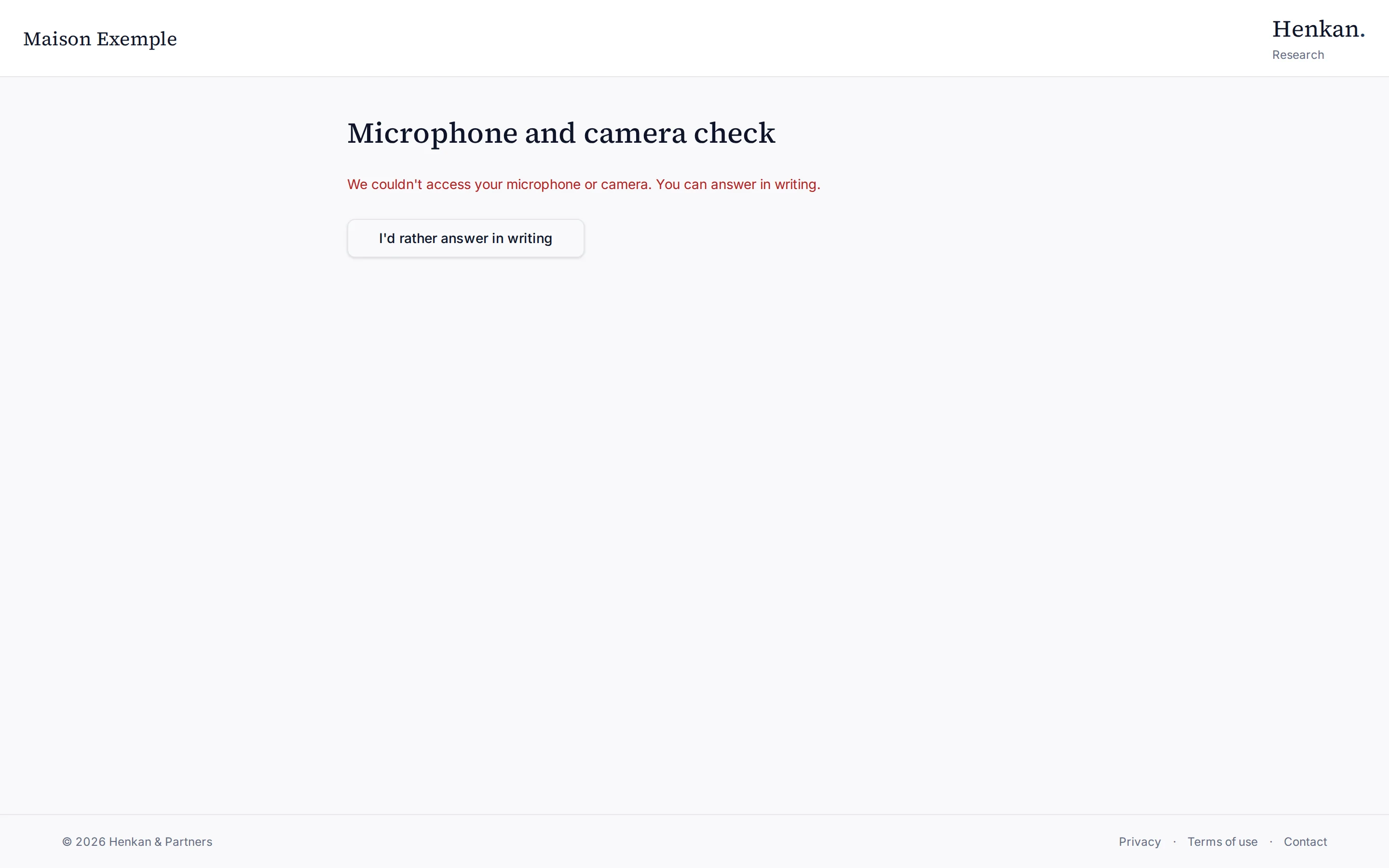
The participant can allow the microphone in the browser's site settings and reload, or select I'd rather answer in writing.
The voice connection drops during the interview#
The participant can select Retry, continue in Simplified voice mode, or Answer in writing. What was said so far is kept.
The participant closed the page by mistake#
They can open the same link again within 24 hours and select Resume interview.
A participant wants their data deleted#
Delete the participant from the Recruitment tab with Delete participant: their interviews, recordings and emails are deleted. For anonymous interviews, contact the Henkan team.
"Too many attempts in a short time"#
A usage limit was reached, usually after many attempts from the same network. Wait a minute and try again. See Limits.